⬅ Back to README · Documentation index
Use these as quick starting points when you want the plugin or the shared Logics flow to help frame work before execution.
Start a new request for this problem:
<describe the need or pain point>Ask me any clarifying questions that would make the request stronger. Suggest helpful options if I need guidance.
Generate backlog items for the new requests and split them into separate delivery slices.
Ask me any questions that would increase your confidence or improve your understanding before you finalize the backlog.
Create the orchestration tasks needed to execute the backlog slices, one bounded task per coherent delivery wave.
If the slice is still broad, propose a split before you draft the tasks and ask any questions that would reduce ambiguity.
Execute task
<task id or title>. Commit after each wave, keep going until the work is done, and do not stop early.If you need to make assumptions, state them briefly and keep the task moving.
- If you think "here is the problem and context..." -> request
- If you think "this needs a scoped delivery slice..." -> item
- If you think "we want..." -> product brief
- If you think "we should ship this over time..." -> roadmap
- If you think "we decided..." -> ADR
- If you think "the system should..." -> spec
- If you think "let's do..." -> task
Companion doc statuses are intentionally separate from workflow statuses:
product briefs and roadmaps use Draft, Proposed, Active, Accepted, Validated, Rejected,
Superseded, Settled, or Archived; ADRs use Draft, Proposed,
Accepted, Validated, Rejected, Superseded, Settled, or Archived.
Use Settled when the subject is closed, consumed by delivery, and no longer
needs active attention without implying that the document has been archived.
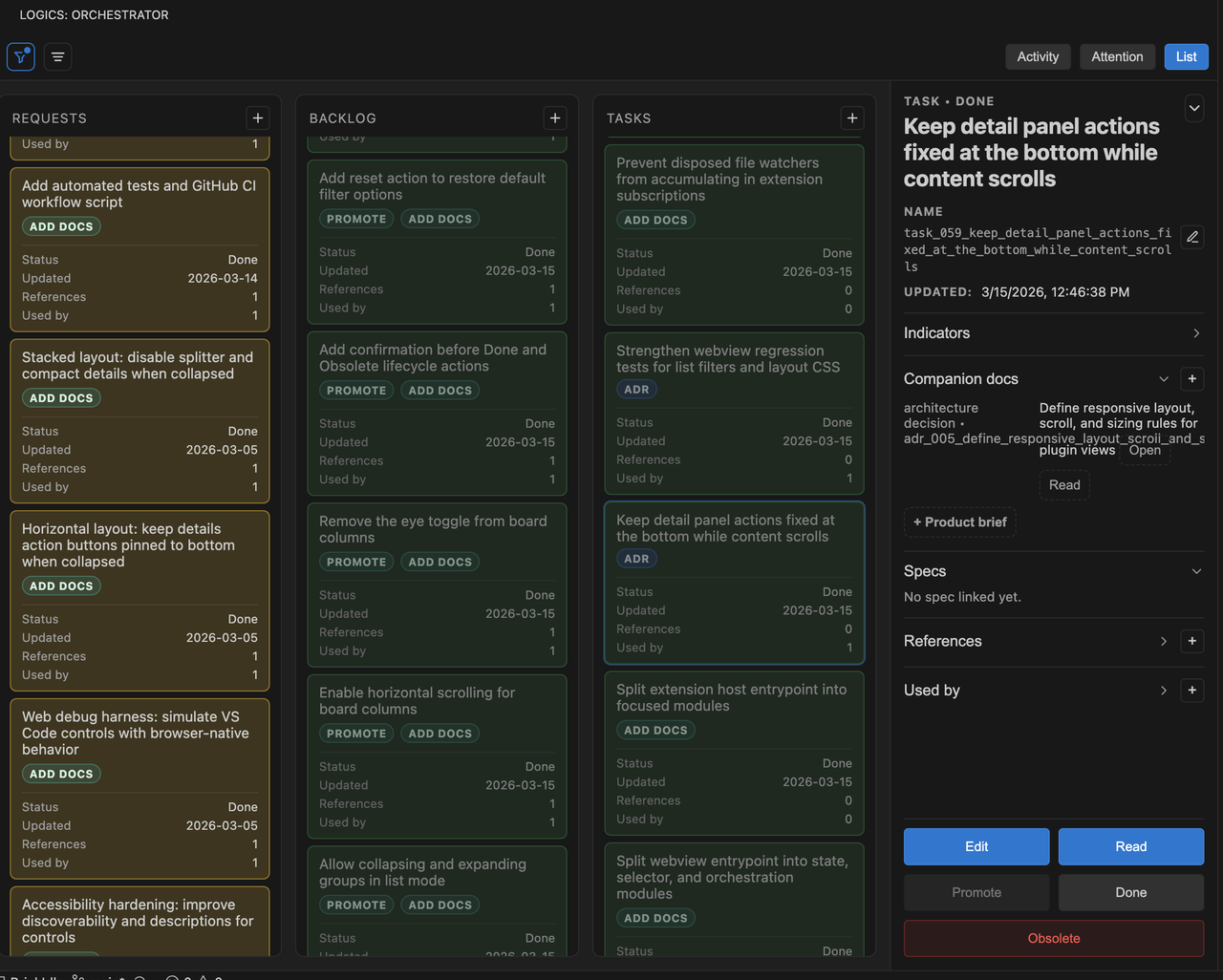
Board panel |
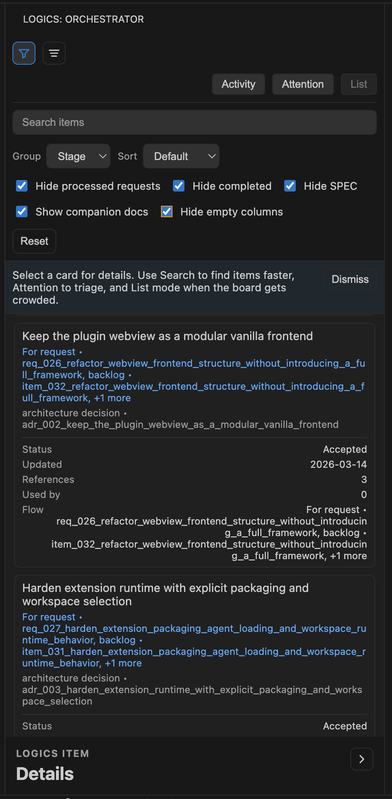
Filter panel |
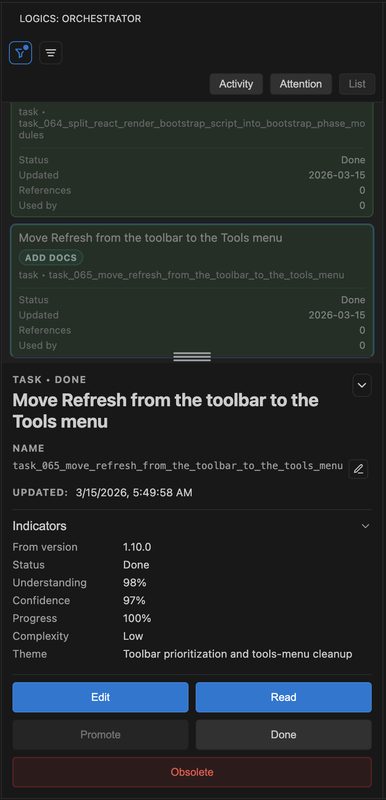
List panel |