
Your thinking partner, on your machine.
Import your documents. Ask questions. Get answers with sources. Write connected notes, search everything, and let a local AI help you think. Nothing leaves your computer.


Download · Website · Contributing
Read the Handbook (PDF) · twelve pages on what it does, why every answer carries its source, and how we built it

Jump to: What it does · Install · First run · Develop · Architecture · REST API · Privacy · Handbook
-
Ask your documents. Chat grounded in your PDFs, Word files, notes, and Markdown. Every answer lists its sources with document, heading, and page.
-
Bring in anything. Import PDF, Word (
.docx), text, and Markdown, or an image or scan of printed text that offline OCR turns into searchable content. -
Write connected notes. A clean Markdown editor with
[[wiki-links]], backlinks, and auto-save. -
Search everything. Keyword ranking blended with semantic similarity when embeddings are available.
-
Think out loud. An Idea Space that maps the claims, evidence, tensions, and open questions across your sources in three dimensions, or Socratic questions that push your thinking further.
-
Sketch on a canvas. One open space per notebook to draw, drop in images, add shapes and text, and arrange it all. It saves with the notebook.
-
Share a notebook. Export a notebook as one self-contained file and import it on another machine. Offline, no source files needed.
-
Transform documents. Summaries, key points, or any custom instruction.
-
Craft prompts. Prompt Studio builds a clear prompt from simple parts and can sharpen it with your model.
-
See the shape of things. A document outline tree and a notes connection map make a large body of work easy to navigate.
-
Listen instead. The Audio Studio reads a notebook aloud offline, told the way you want it: a discussion, a brief, an interview, a lecture, a run of questions, a debate, or a critique.
-
Bring any model. A bundled offline llama.cpp server, a curated catalog of open models installed through Ollama in one click, and first-class cloud connections for Anthropic Claude, OpenAI, Google Gemini, and DeepSeek with your own API key. A header model menu switches between them instantly, or turn on Auto and the best model is picked per task with automatic fallback. A live status-bar counter shows real token use and context-window fill.
-
See the shape of your work. Note connections render as a 3D map you can rotate, zoom, and click through (no libraries, our own tiny engine), and the same map is handed to the AI so answers know how your notes relate.
-
Open files with it. Right-click a PDF, Word, text, or Markdown file and choose NotebookLab: it lands in your notebook, indexed and ready to ask about. Already-running windows pick the file up instead of starting twice.
-
Move fast. One keyboard-first search box, go-to shortcuts (
Gthen a key), and a cheat sheet on?. Press once, land anywhere. Pages load on demand, so the app starts light.
Download the installer for your platform from the latest release.
| Platform | File |
|---|---|
| Windows | .msi or -setup.exe |
| macOS (Apple Silicon) | aarch64.dmg |
| macOS (Intel) | x64.dmg |
| Linux | .deb or .rpm |
The app updates itself on Windows and macOS. Verify any download against the
SHA256SUMS file attached to the release.
Warning
macOS will refuse to open it the first time. The builds are signed but not yet notarized with Apple, so Gatekeeper blocks them. Right-click the app and choose Open, or run this once:
xattr -dr com.apple.quarantine /Applications/NotebookLab.app
The pipeline is already wired for notarization and switches on the moment Apple credentials are added.
- A short welcome greets you on the first launch and opens with a Getting Started notebook and two sample notes.
- Open Models, then pick a path: download the bundled model (one 2 GB download), install an open model through Ollama with one click, or connect a cloud provider (Claude, GPT, Gemini, DeepSeek) with your API key.
- Import a PDF, Word, text, Markdown, or image file into a notebook.
- Open Chat and ask a question about it.
- Press
?any time for the full list of keyboard shortcuts.
Tip
Pick a model that fits your machine, not the biggest one. On a laptop with no GPU, something in the 3 to 4B instruct range answers while you are still watching. A 7B reasoning model on a CPU can think for minutes before its first word, which looks exactly like the app has hung.
The Handbook covers what NotebookLab is, why every answer carries its source, and how to get from download to a first answer. Twelve pages, including a note from both of us on why we built it this way and the signed Makers' Pledge.
Read the Handbook · the reference cards and brand assets are in the press kit.
You need Node.js 22+ and Rust 1.89+. On Linux, install the WebKitGTK stack first:
sudo apt-get install libwebkit2gtk-4.1-dev libappindicator3-dev librsvg2-dev patchelfThen:
git clone https://github.com/Amey-Thakur/NotebookLab.git
cd NotebookLab

npm ci                      # frontend dependencies
npm run sidecar:download    # local AI server, checksum verified
npm run models:download     # OCR models for image import, checksum verified

npx tauri dev               # run the app
Quality gates, all enforced in CI on Linux, Windows, and macOS:
npm run lint
npm test
npm run build

cd src-tauri
cargo fmt --all -- --check
cargo clippy --all-features -- -D warnings
cargo testsrc/ React 19 frontend, organized by feature
src-tauri/ Rust backend
commands/ async IPC handlers
services/ RAG, ingestion, search, embeddings, sidecar lifecycle
providers/ LLM abstraction: OpenAI-compatible, Anthropic, Gemini
parsers/ PDF, Word (.docx), text, Markdown, image OCR
database/ SQLite repositories (WAL, FTS5, cascade deletes)
api/ local REST server on 127.0.0.1:8484
site/ landing page
scripts/ build helpers
config/ build configs (Vite, ESLint, Tailwind, TypeScript)
docs/ guides, architecture, brand assets
Each module is self-contained and has one purpose. Removing one does not break the others. Diagrams of the full system, the question-answering pipeline, the local server lifecycle, and the data model live in docs/ARCHITECTURE.md.
The app serves a read-only API for scripts on your machine at
http://127.0.0.1:8484. Every endpoint except /api/health requires the
session token shown in Settings.
curl -H "Authorization: Bearer <token>" http://127.0.0.1:8484/api/notebooks| Endpoint | Returns |
|---|---|
GET /api/health |
version and status, no auth |
GET /api/notebooks |
all notebooks |
GET /api/notebooks/{id}/notes |
notes in a notebook |
GET /api/notebooks/{id}/documents |
documents in a notebook |
GET /api/documents/{id}/chunks |
extracted passages of a document |
GET /api/chunks/count |
total indexed chunks |
Note
With a local model there is no request to make, so there is nothing to intercept: it works with the network cable out. Add a cloud key and the context for that one question does go to that provider, which is exactly why cloud is a choice rather than the default.
Your documents, notes, chats, and embeddings live in a local SQLite database. The bundled model runs entirely offline. Cloud providers are optional, off by default, and only ever receive the context for the question you ask. The REST API binds to localhost and requires a fresh token every session.
Questions and ideas live in Discussions, and the FAQ answers the common ones directly. Bugs go through issues.
Contributions start with the contributing guide. Security issues go through the security policy, and maintainers cut releases with docs/RELEASING.md.
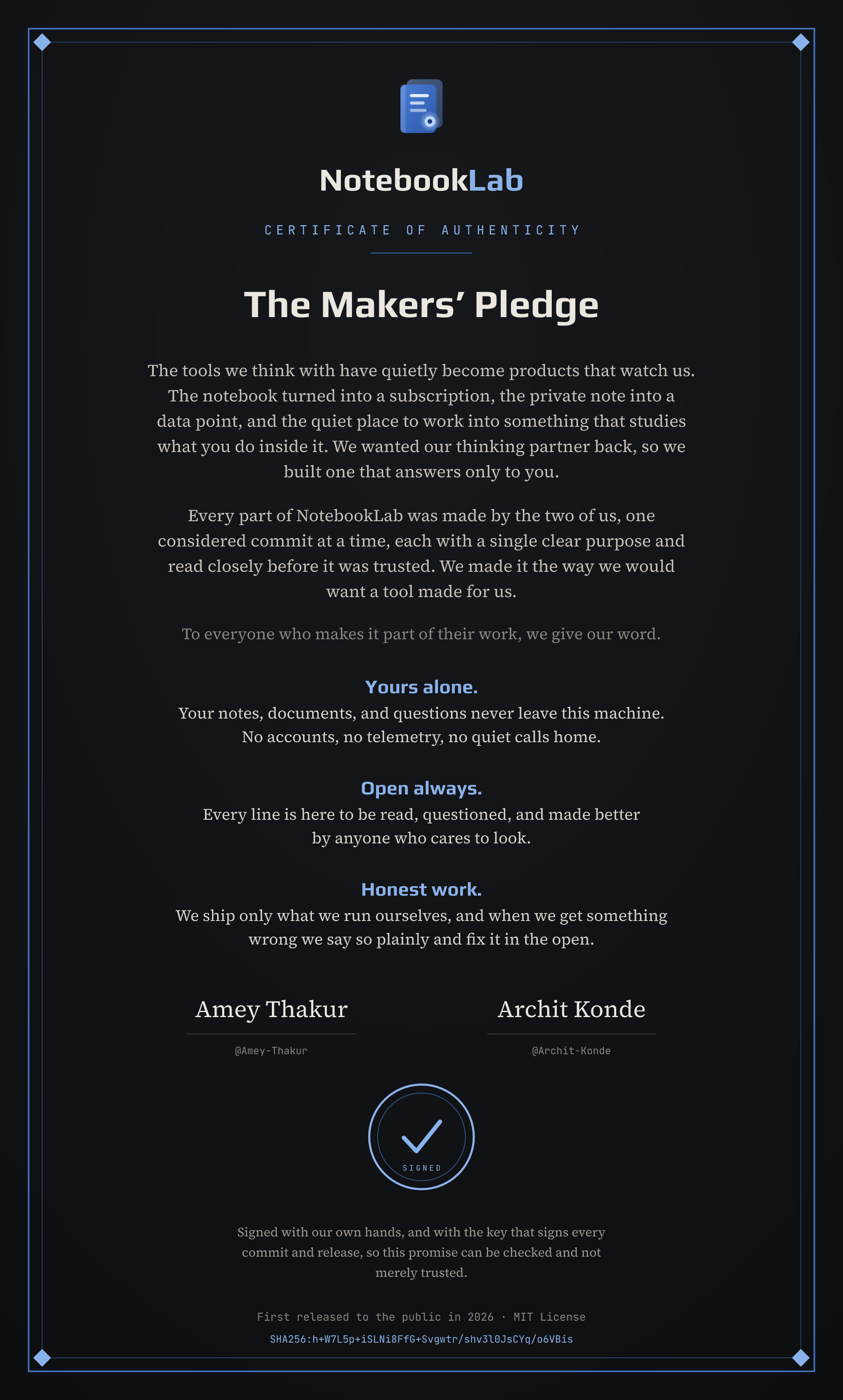
Our promise to everyone who trusts NotebookLab with their thinking: your work stays on your machine, the source stays open, and we ship only what we run ourselves. It carries the fingerprint of the same key that signs every commit and release, so the promise can be checked, not merely trusted.

Released under the MIT License. The app ships with open source work by others, credited in THIRD-PARTY-LICENSES.md: the llama.cpp inference server, the ocrs OCR engine and rten runtime, and the Play, Source Serif 4, and JetBrains Mono typefaces.
Built by Amey Thakur and Archit Konde. Their story, and the pledge they sign their names to, is in The Makers and on the About page inside the app.