
 Catppuccin for Insomnia



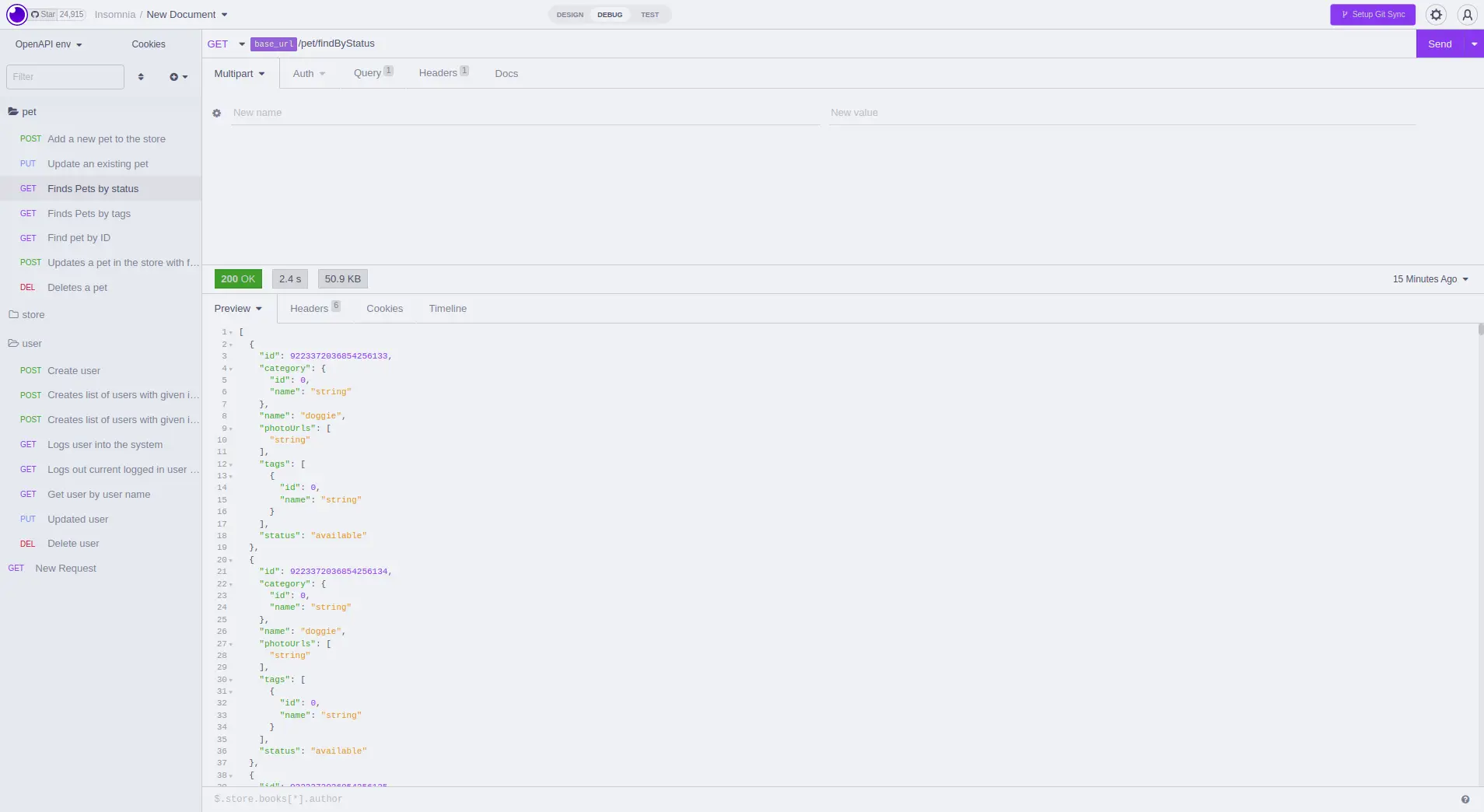
🌻 Latte
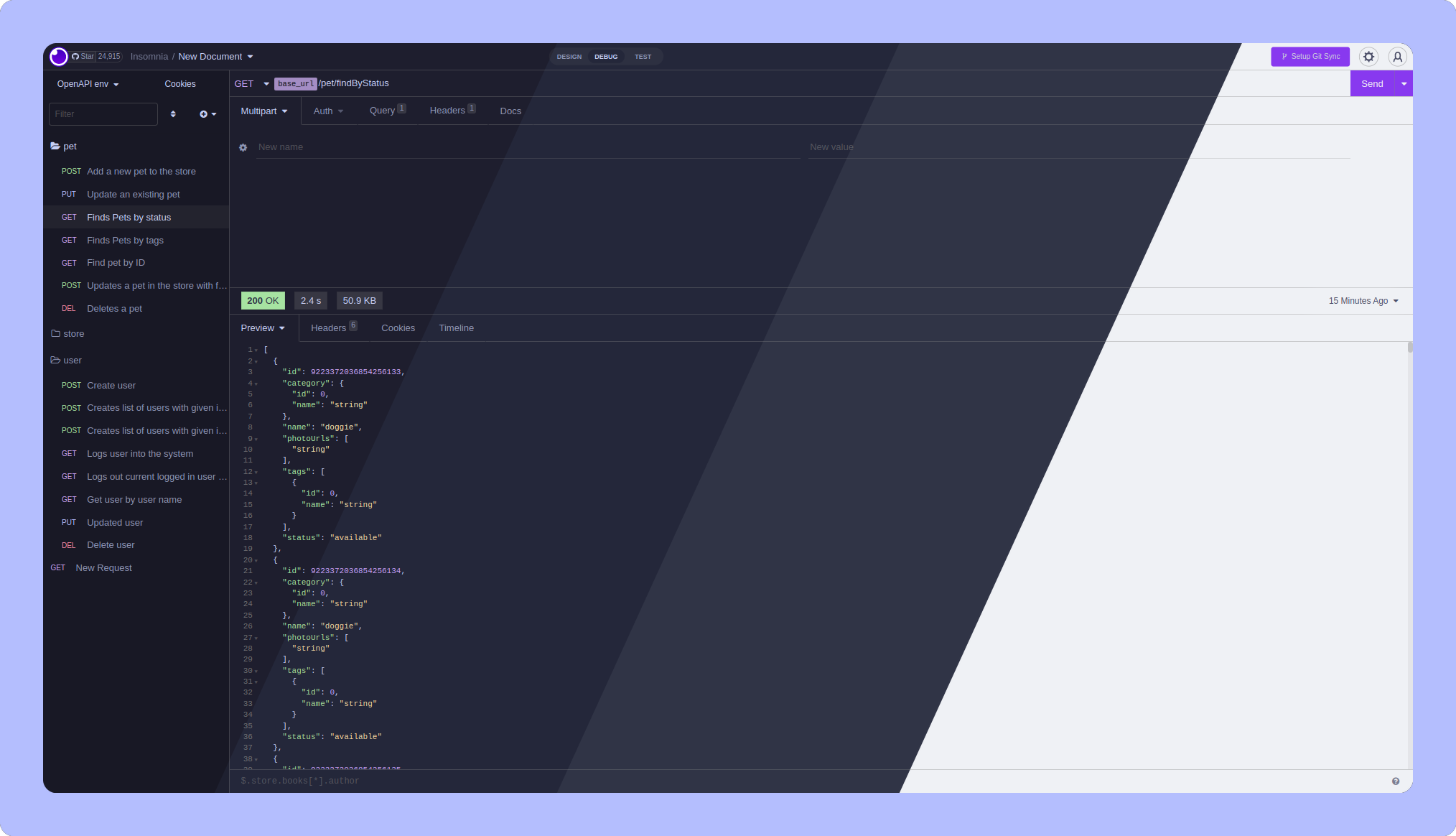
🪴 Frappé
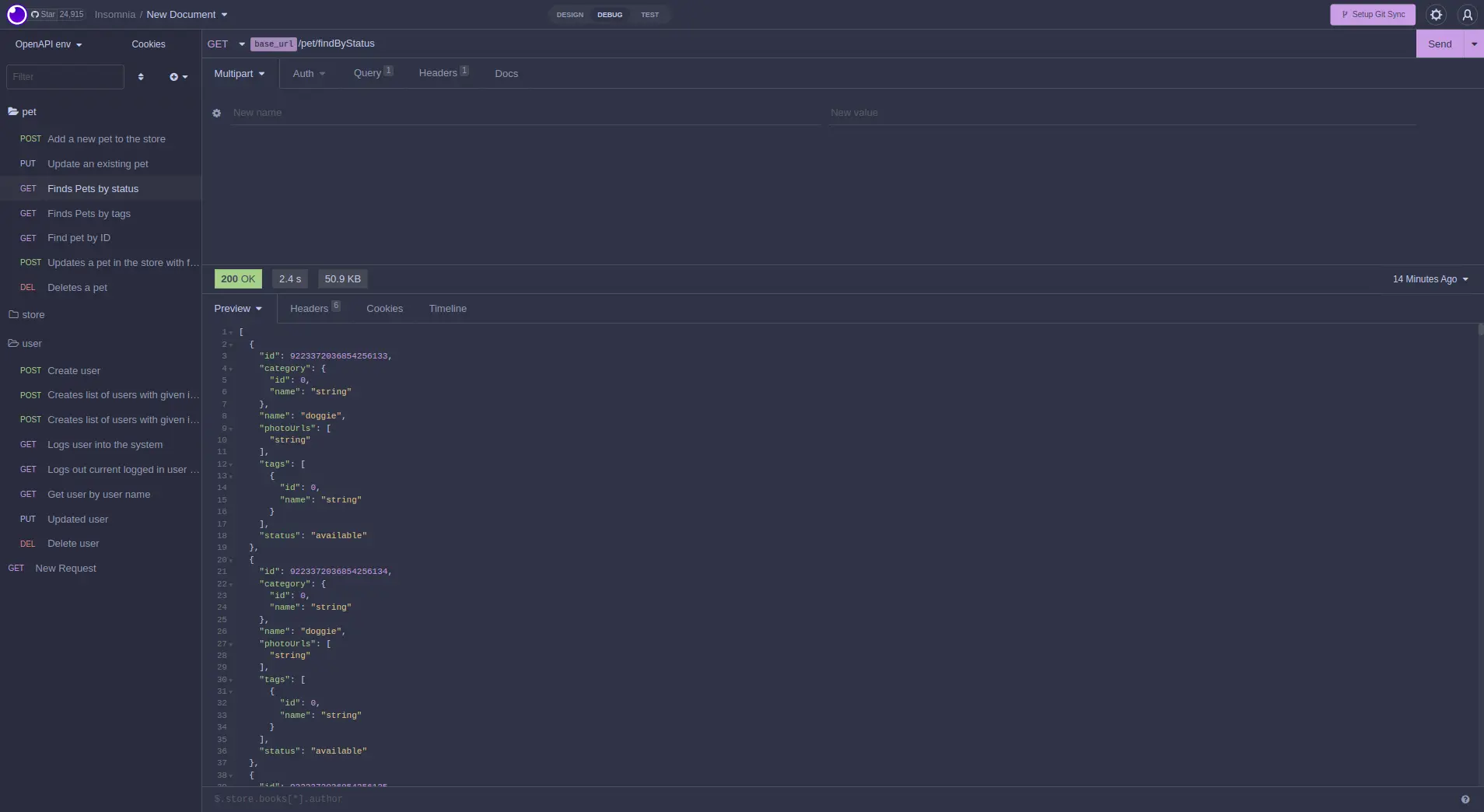
🌺 Macchiato
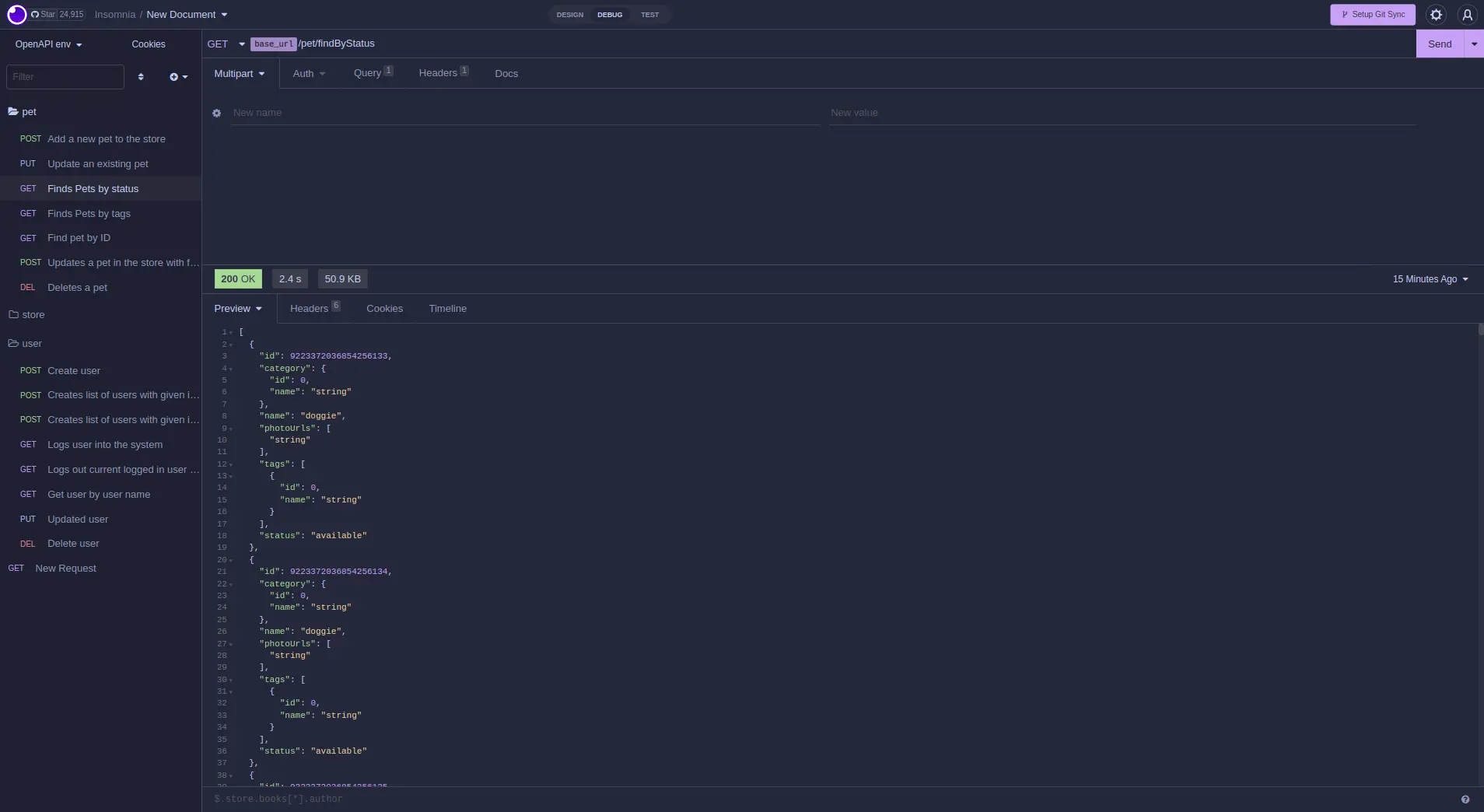
🌿 Mocha
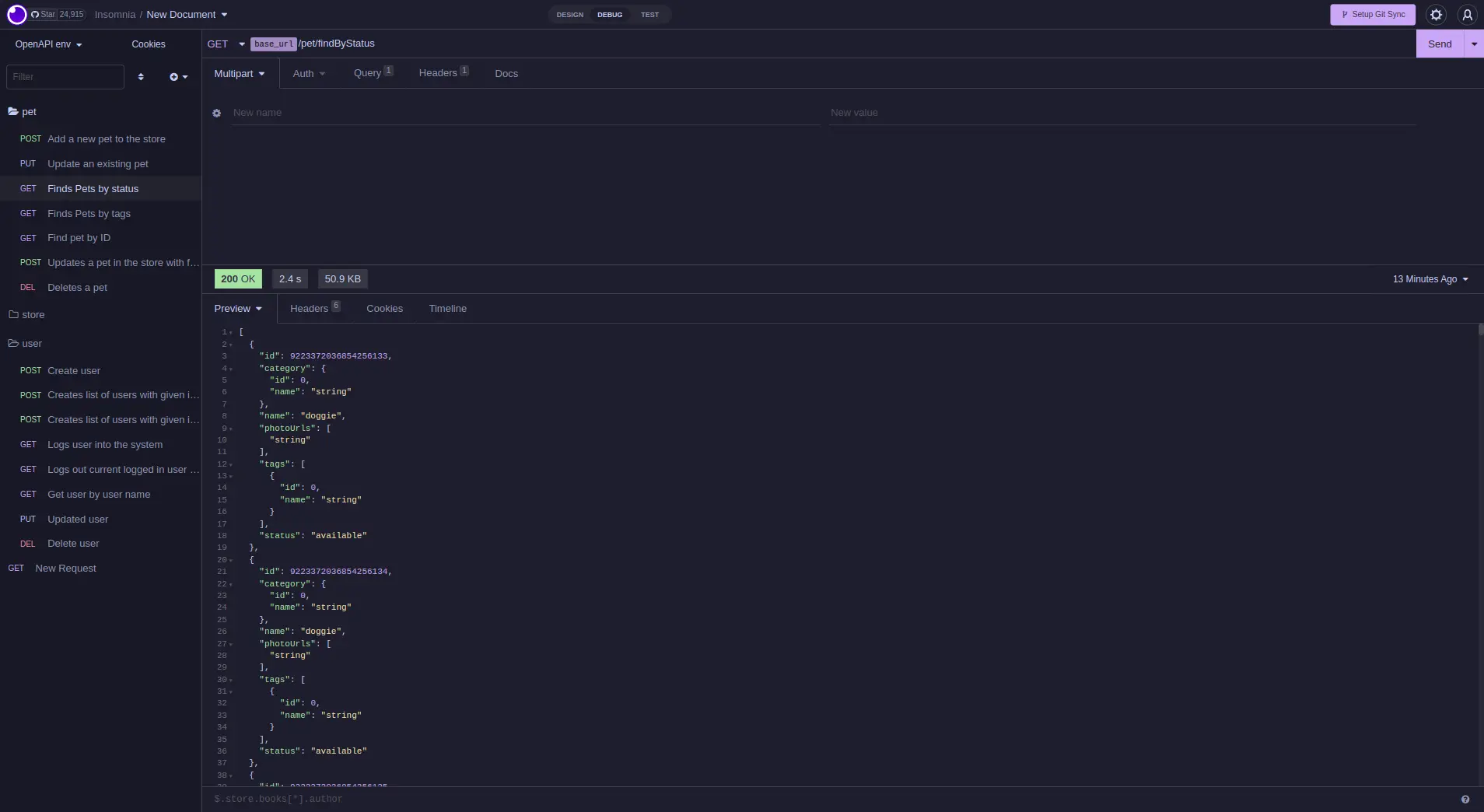
- In Insomnia, go to Application and select Preferences
- Click on Plugins
- Paste
@catppuccin/insomnia-plugin-catppuccininto the package name field - Click on Install Plugin
Important
If you cannot install the plugin due to errors, see #4 (comment) for a potential workaround.
- Go to Application and select Preferences
- Click on Themes
- Select any Catppuccin color scheme to apply the theme

Copyright © 2021-present Catppuccin Org
