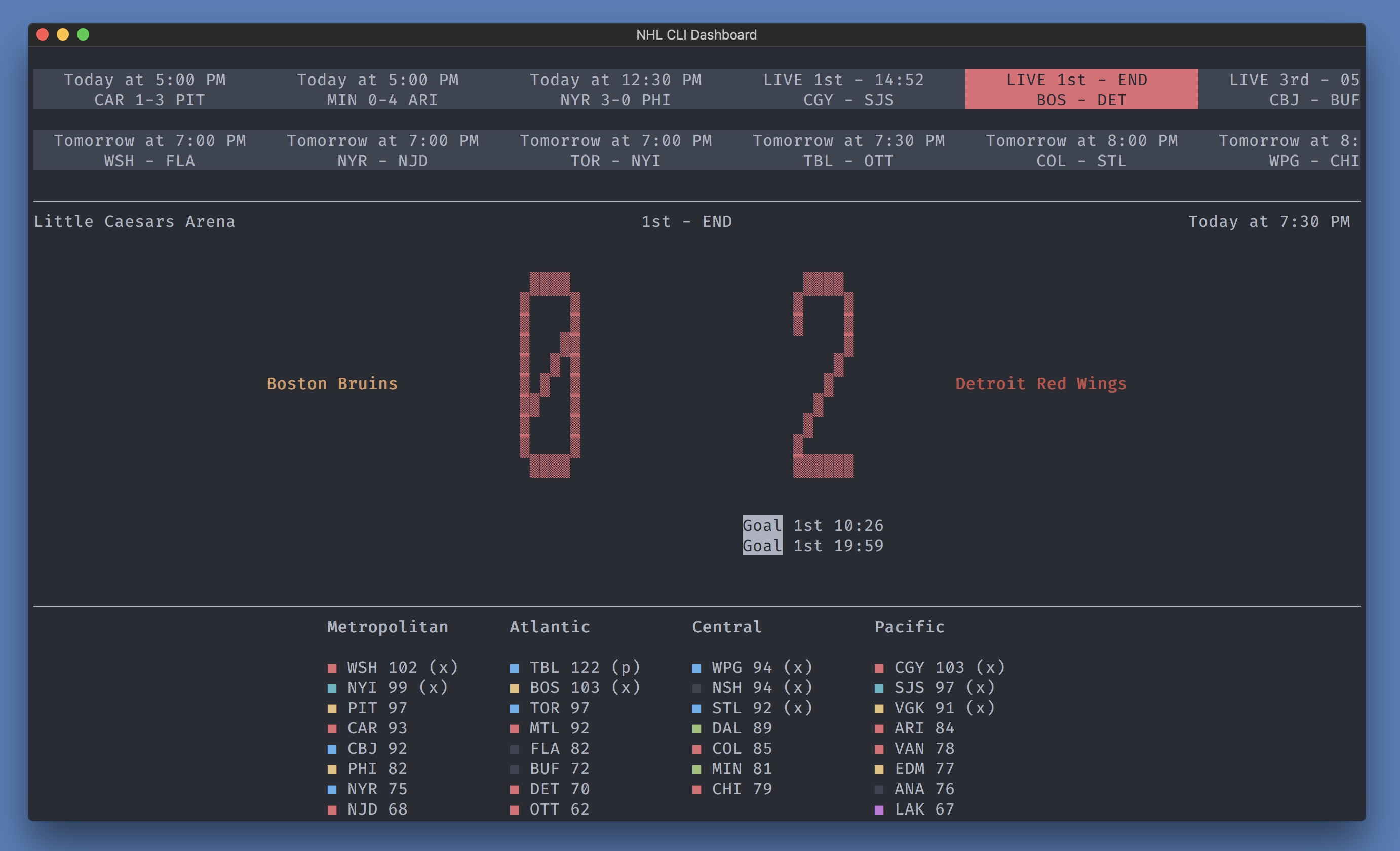


Pull it from Docker Hub:
docker pull cedricbl/nhl-cli-dashboard && \
docker run -ti -e TZ=America/Toronto -e TERM=xterm-256color cedricbl/nhl-cli-dashboard
Replace America/Toronto with your actual timezone. This image is for amd64 arch only.
Or build it:
Want to build this image from a Dockerfile instead? Or do you want to run this dashboard on a non-amd64 arch, let's say arm? On a Raspberry Pi?
docker build -t cedricbl/nhl-cli-dashboard github.com/cedricblondeau/cedricbl/nhl-cli-dashboard && \
docker run -ti -e TZ=America/Toronto -e TERM=xterm-256color cedricbl/nhl-cli-dashboard
NPM:
npm install -g nhl-cli-dashboardYarn:
yarn global add nhl-cli-dashboardRequires NodeJS 6+.
nhl-cli-dashboard- Use ⬅️ and ➡️ keys to navigate through different different matches.
Data is sourced from the undocumented NHL Stats API. Matches get updated on every minutes.
Terminal interface built with react-blessed. Inspired by world-cup-2018-cli-dashboard.
If an API call fails, we log a debug message. Press F12 to see the debug console, some helpful messages may show up (a 503 or a 429 HTTP code for instance).
git clone https://github.com/cedricblondeau/nhl-cli-dashboard
cd nhl-cli-dashboard
yarn install
yarn start
Contributions are very welcome.
MIT