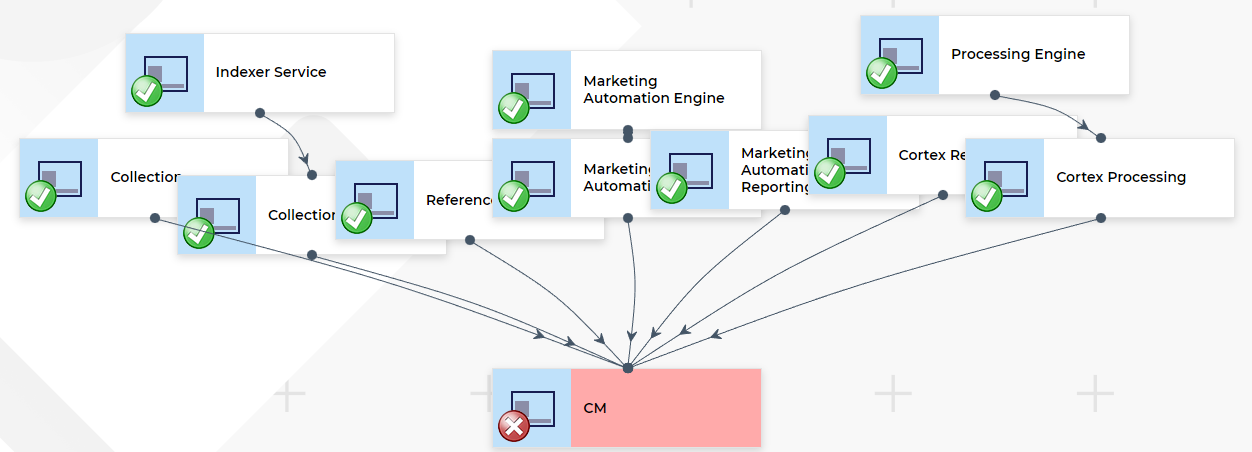
Some of the key benefits of this module are as follows:
-
Quickly view the health of ALL Sitecore / Xconnect instances on one screen.
-
Show a list of all exceptions happening on a given instance and their frequency
-
Group exceptions by ProblemId and then by InnerMostMessage
-
Track exceptions over time to see when they began or at what times during the day they occur
-
View logs from as far back as the moment you start tracking them
-
Extend to track any application using application insights
-
Entra Authentication (more info Switch to Entra Auth)
-
Add the following Alerts (more info Alerting added to App Insights module)
-
Exception Contains String
-
Exception Spike
-
Schedule Task Inactivity
-
Cron Task Inactivity
-
Custom Event
-
Webpage Down
-
Service Bus Queue Exceeds
-
AI Alerts
-
-
Azure Devops / TFS Integration
-
AI Summary of all Exceptions over given period
-
Ask AI any question about all exceptions in given period
-
AI Analysis and recommendation based Exception and Custom code (from your repo)
-
Generate Work Items or PRs based on Recommendations
-
AI Alerting - this compares recent exceptions against last X days and alerts if it finds anything 'out of ordinary' (all prompts are configurable)
Installation Instructions
- Download package file and SQL files
- Create new database
- Create Tables and Stored Procedure (using SQL from Repo)
- Install Sitecore package
- Go to Application Insights Module - How to Configure
- Go to Dashboard => Application Insights
If you try this module and find it helpful or have any issues - it would be nice to know via LinkedIn or Slack!