
The i18Next Translator is a specialized tool designed to simplify and automate the localization process for applications utilizing the i18next internationalization framework. This tool streamlines the translation of your i18next resource files, ensuring efficient and accurate localization across multiple languages.
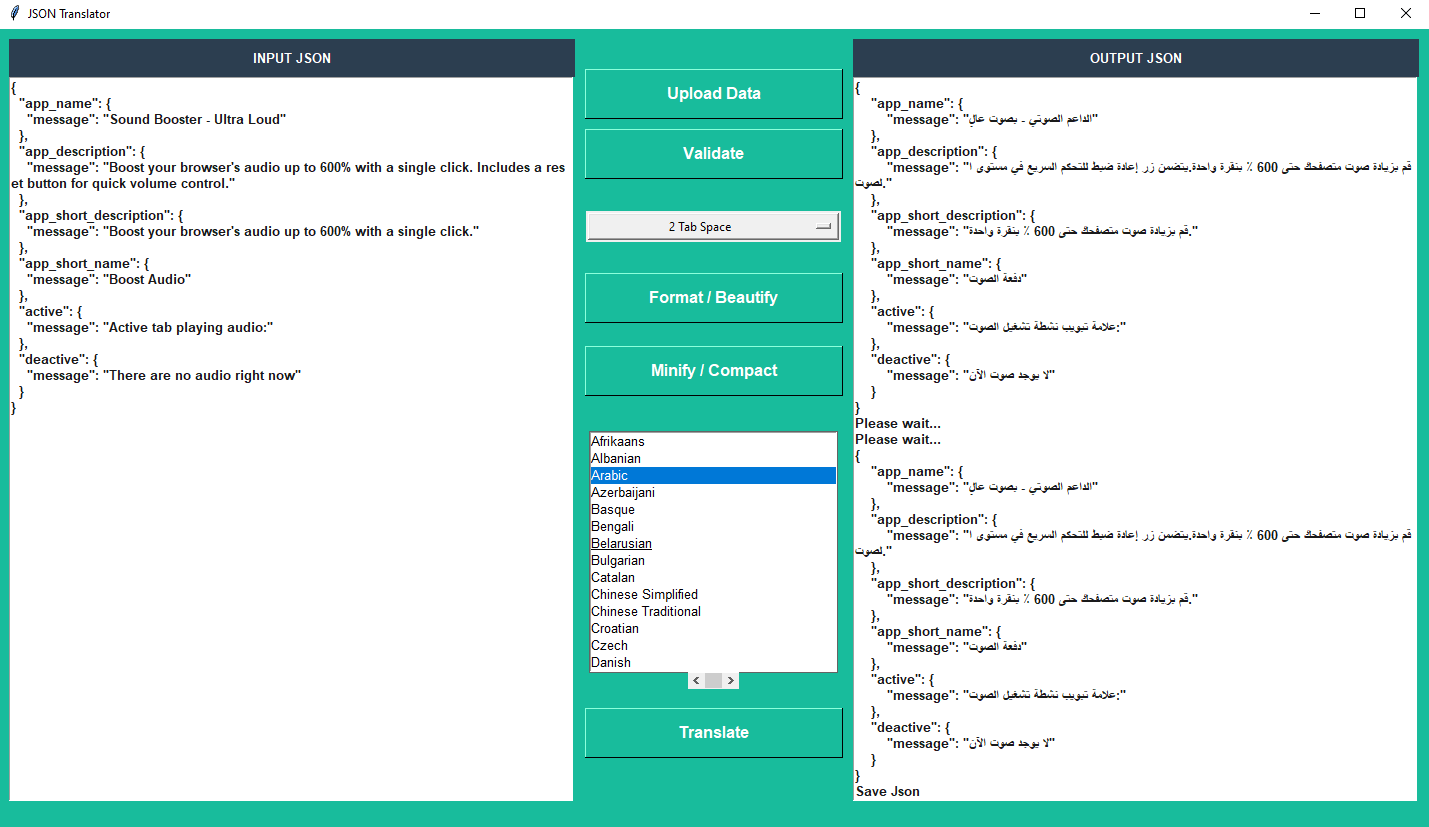

- Python: 3.6-3.12
Installing via PyPI
You can install this project using PyPI:
$ pip install i18trans
Then to run it, windows terminal:
C:\Users\user> python -m i18trans
If you have more than one version of Python installed, you can use
python -m i18transinstead ofi18trans.
Then to run it, execute the following in the terminal:
$ i18trans
or
Installing via GitHub
$ git clone https://github.com/hemucode/i18trans.git
$ cd i18trans
$ python setup.py install
Then to run it, execute the following in the terminal:
$ i18trans
Running Locally via Github (no install)
You can run this project locally by following these steps:
- Clone/download the repo
- Open cmd/terminal and cd into the project's root folder
- Execute
python -m pip install -r requirements.txt - Execute
python -m i18transto run the application
Easy.