Used for watching League of Legends VODs to complete missions. The script can watch multiple videos simulatenously via multiple tabs. The script can also do the following:
- Mute the sound
- Lower video quality to save bandwidth
- Allows user to input desired VOD URL.
These instructions will help you get started with using the application.
The following must be installed:
- Google Chrome
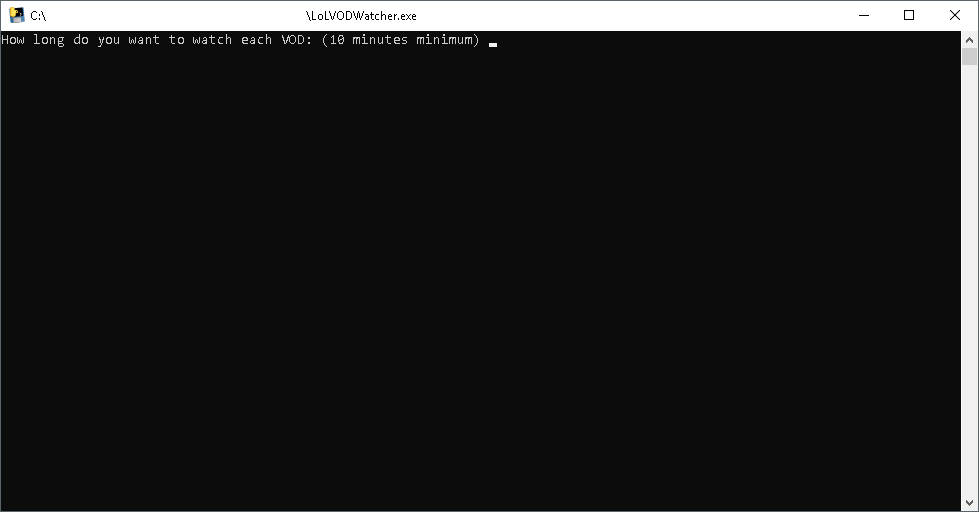
- Launch the application using LoLVODWatcher.exe
- Enter the number of minutes to watch each video.
- Enter the number of videos/tabs to watch simulatenously.
- Log in with User and Password.
- Leave the application and browser to run in background.
Note: Releases are packaged using Pyinstaller. The executable will only work on Microsoft Windows platform.
These instructions will get you a copy of the project up and running on your local machine for development.
- Python 3.6 - The scripting language used.
- Selenium - Web crawling automation framework.
- Chrome Webdriver - Webdriver for Chrome browser. Use to control automation with Selenium.
- PyInstaller - Used to create executable for release.
Run the following command to installer all the required Python modules:
pip install -r requirements.txt
To run the application:
.\LoLVODWatcher.py
The project files includes a batch file (Windows platform only) with commands to run to compile into an executable.
Other development platforms can run the following command in Terminal:
pyinstaller -F --onefile .\LoLVODWatcher.py
You may need to modify the file paths if not in same current working directory.
- Patrick Yu - Initial work - patrickgod1