Write in Markdown. Store in GitHub. That's it.


Turn any GitHub repo into a clean, fast blog. No database. No CMS. No build step for writers. Just push .md files and you're published.
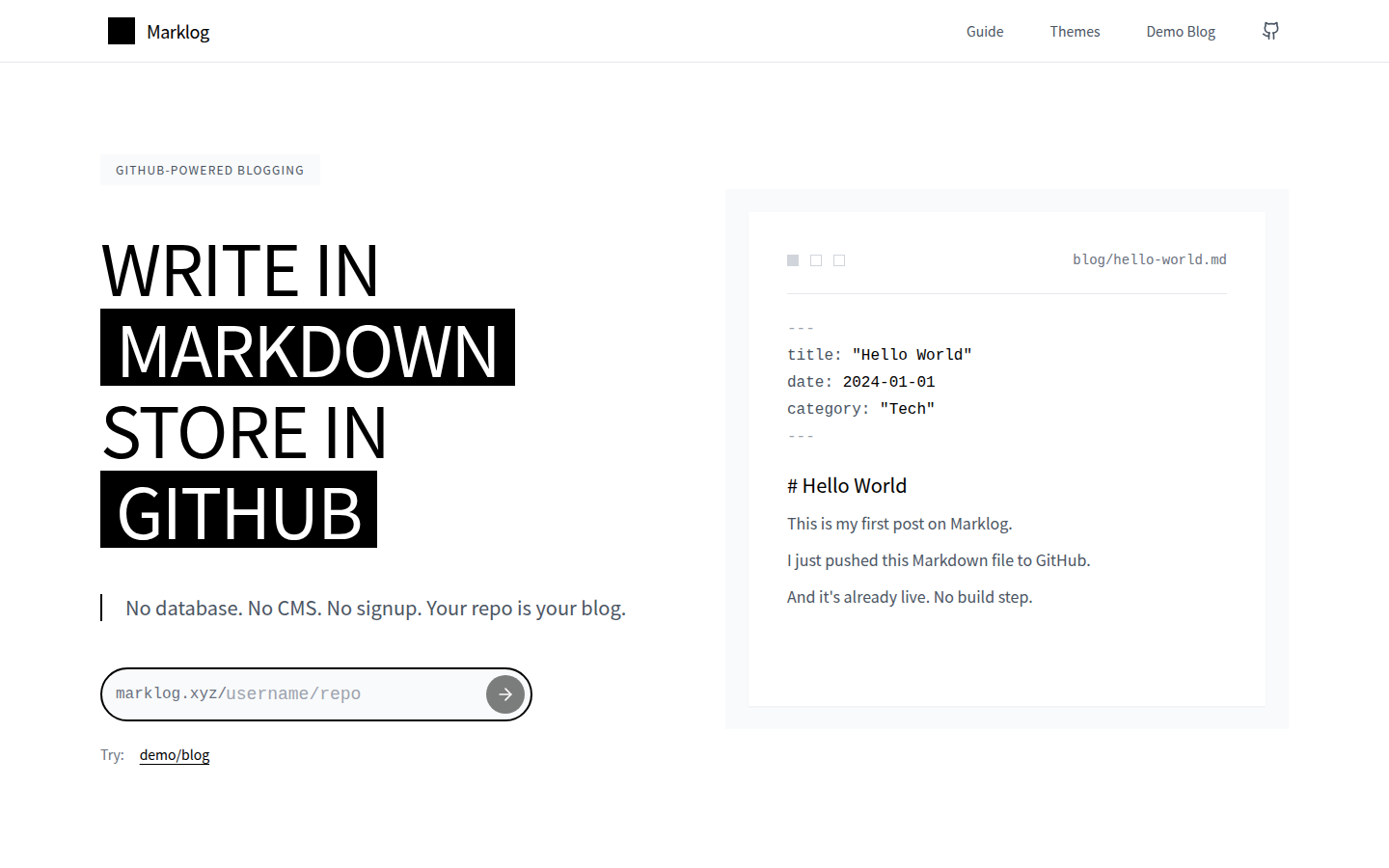
- Put Markdown files in a
blog/folder inside any GitHub repo - Go to
marklog.xyz/your-username/your-repo - That's it. Your blog is live.
No signup. No config. No lock-in. Your content stays in your repo.
- Zero config — works the moment you type your repo address. Add a
blog.config.yamlonly if you want to customize. - 4 built-in themes — Light, Dark, Ghibli, Pixel. Switch with one line.
- Markdown + frontmatter — title, date, description, tags, categories, cover images.
- SEO ready — sitemap, robots.txt, Open Graph, per-page meta.
- Responsive — looks right on phone, tablet, desktop.
- Self-hostable — deploy to Vercel in 3 minutes. MIT licensed.
Option A: Use the hosted version
Go to marklog.xyz, type username/repo, done.
Option B: Self-host
git clone https://github.com/respectevery01/marklog.git
cd marklog
npm install
npm run dev
Deploy to Vercel, Netlify, or any Next.js host.
Add a blog.config.yaml to the root of your content repo:
title: My Blog
description: Thoughts on code and life
theme: light  # light | dark | ghibli | pixel
language: en  # en | zh-cn
social:
  github: https://github.com/username
  twitter: https://twitter.com/username
That's all optional. Without a config file, Marklog uses sensible defaults.
Create blog/my-post.md:
---
title: Hello World
date: 2024-03-01
description: My first post
category: Technology
tags: ["web", "markdown"]
---

Write your content here.| Light | Dark | Ghibli | Pixel |
|---|---|---|---|
| Clean, minimal | Easy on eyes | Warm, colorful | Retro 8-bit |
See them all at marklog.xyz/themes.
- Next.js 15 (App Router)
- Tailwind CSS
- Shadcn UI
- Marked + Gray-matter
Contributions welcome. Read CONTRIBUTING.md to get started.
MIT © Jask