Read the guide · Türkçe · Download
This repository installs macOS on PC hardware, and it does it through a program you download and run. The program reads the machine in front of it, works out which OpenCore EFI folder that machine needs, writes it, fetches Apple's installer, formats the USB stick and copies both onto it.
There is nothing to install alongside it and nothing to configure - the hardware tables, the kexts and the OpenCore files all travel inside it, and it opens no connection except the one that downloads macOS, when you press that button.
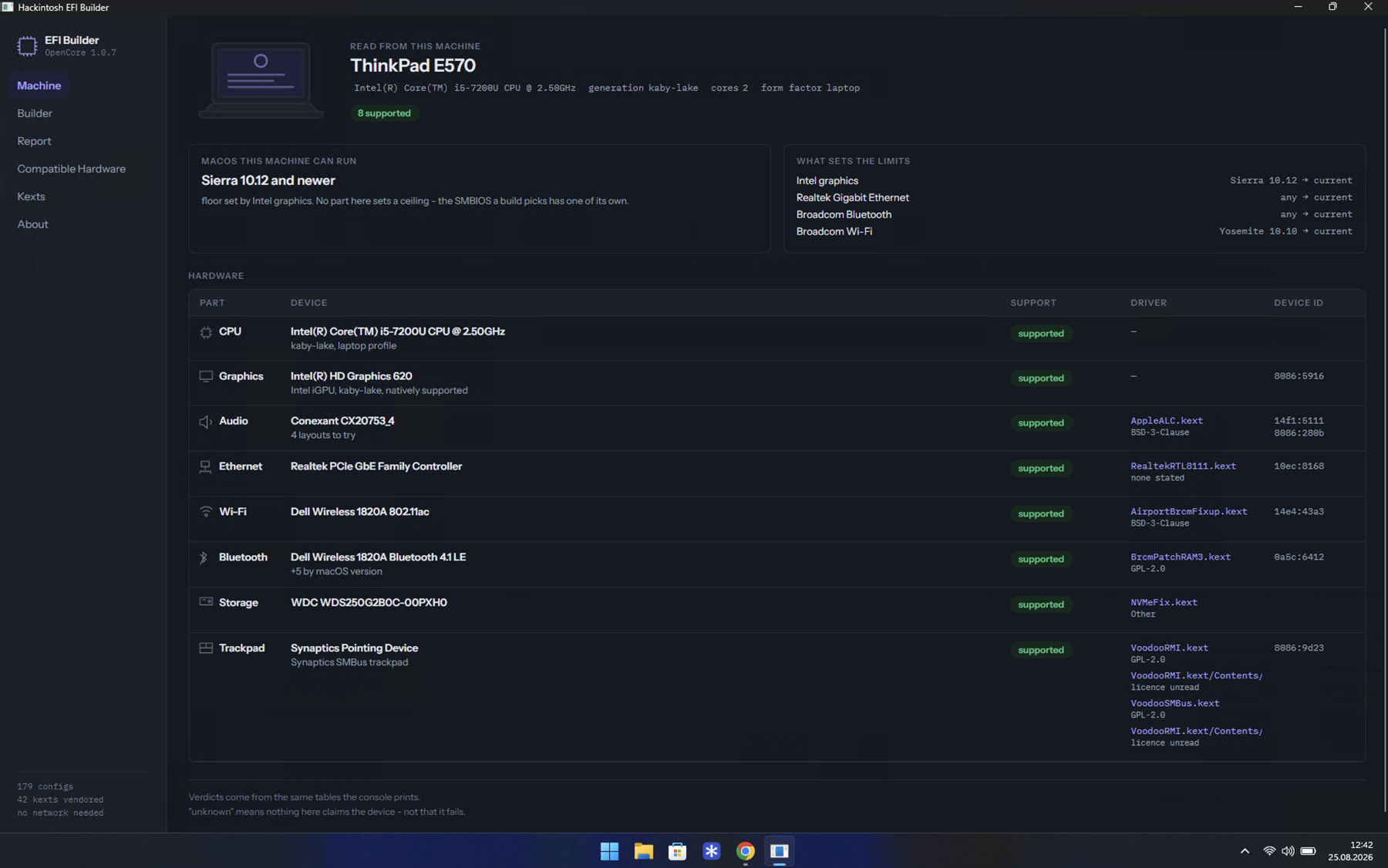
| Windows | HackintoshEFIBuilder-win-x64.zip - unzip anywhere and run HackintoshEFIBuilder.exe. |
| macOS | HackintoshEFIBuilder-osx-arm64.zip for Apple silicon, -osx-x64.zip for Intel. Unzip, drag the .app to Applications, open it. |
| Linux | HackintoshEFIBuilder-linux-x64.AppImage - chmod +x it and run it. |
All of them from Releases. No .NET, no Python, no runtime of any kind: each package carries the window and the builder it runs, and nothing else is needed.
Important
Neither program is signed, so the first run is refused on Windows and on macOS. On Windows that means turning Smart App Control off; on macOS, trying to open it once and then allowing it in Privacy & Security. Both are one setting, and both are written out step by step in When your system blocks it.
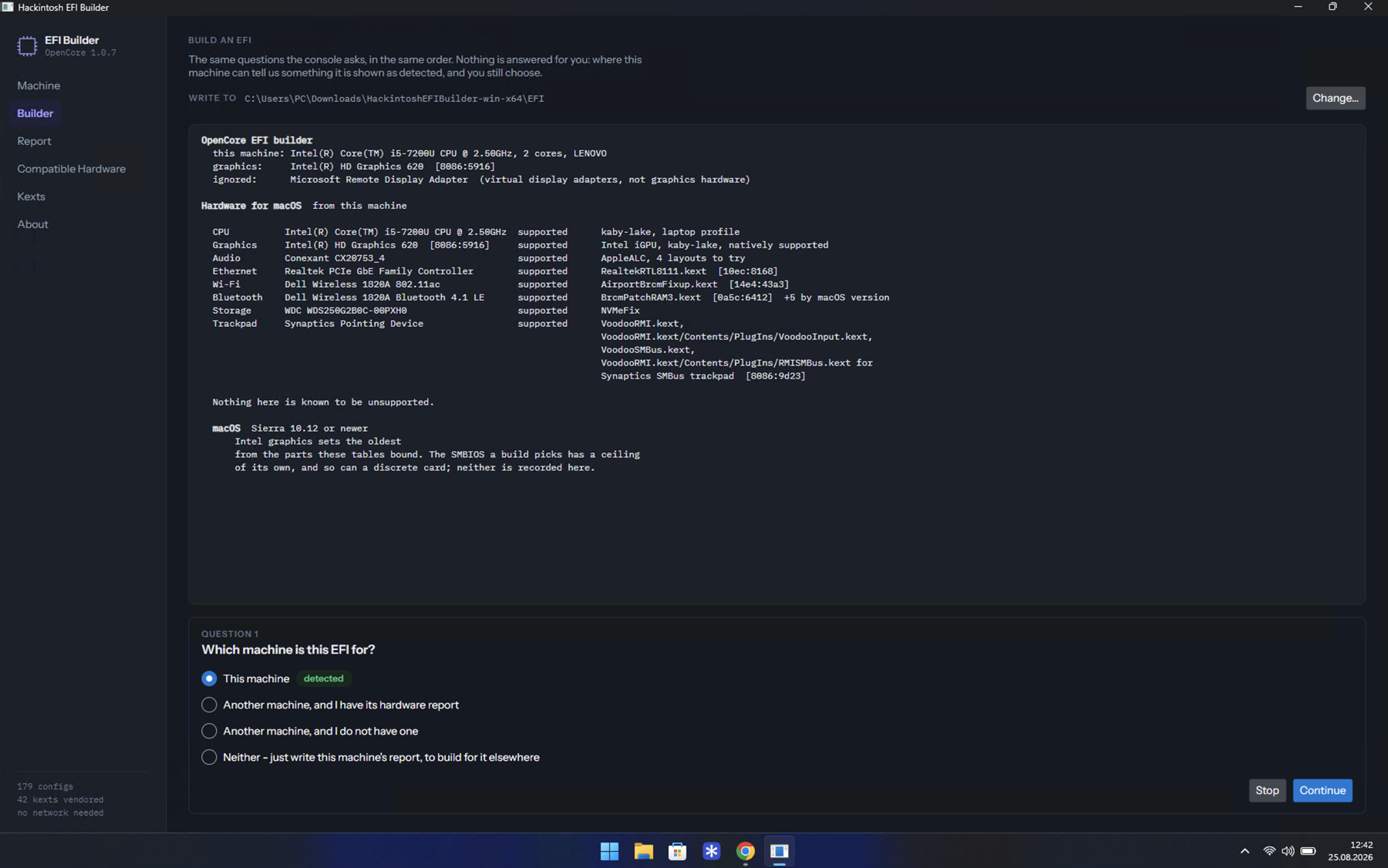
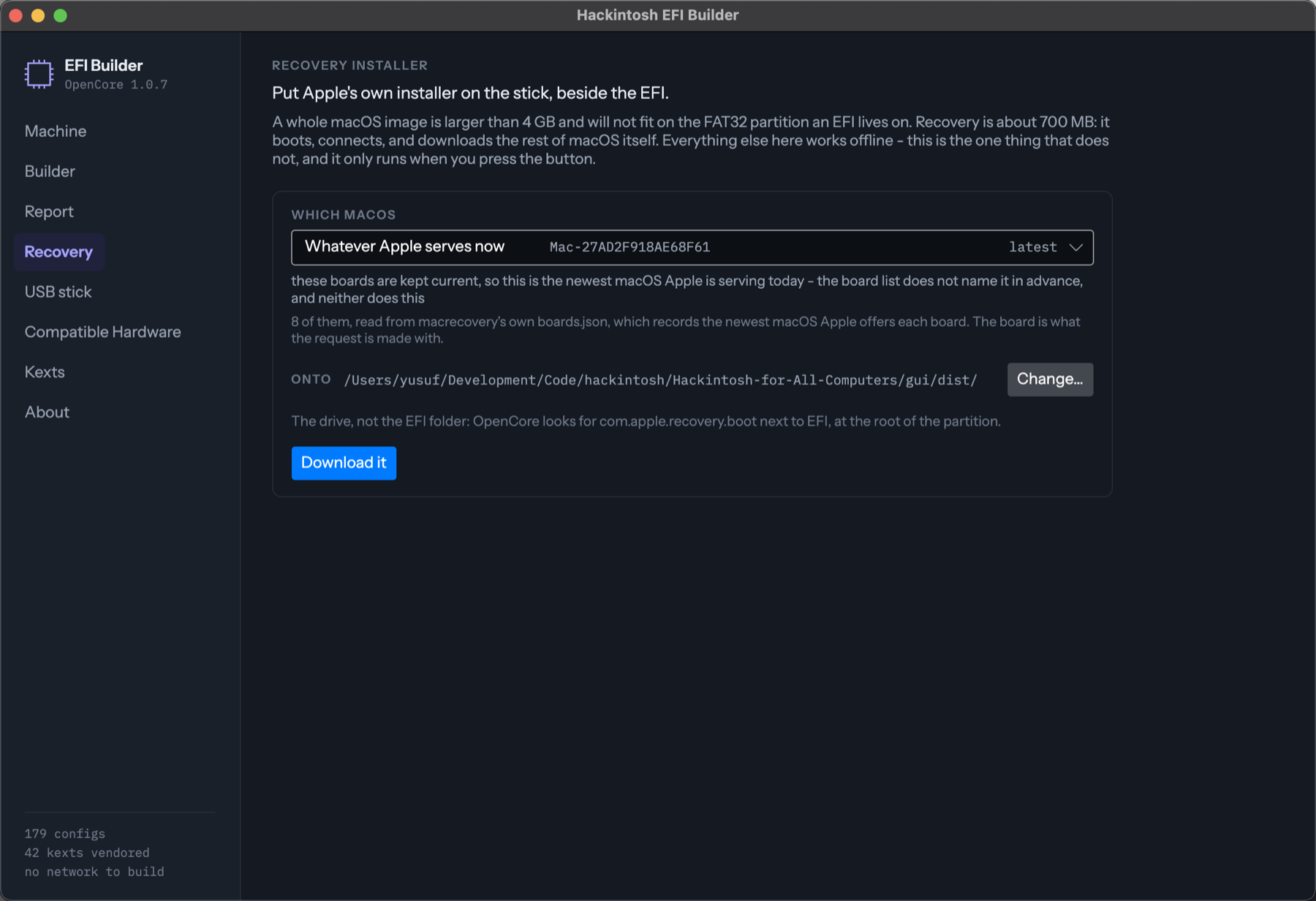
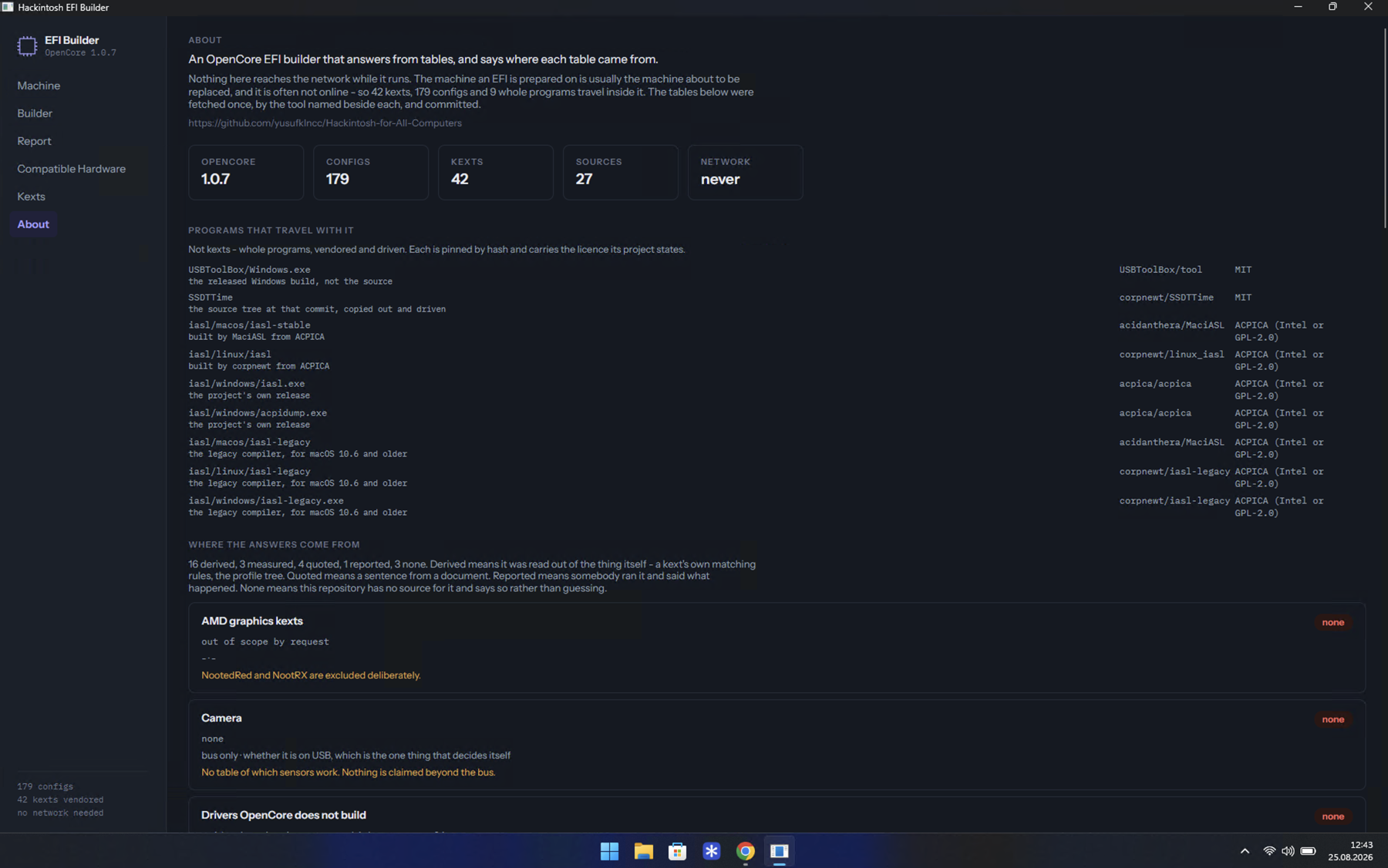
Builder asks the questions and writes the EFI folder - and answers none of them for you. Recovery fetches Apple's own installer, about 700 MB that fits where a 12 GB image never could, and says first whether the machine you are building for can reach the network during the install at all. USB stick formats the drive and copies both folders onto it. Report carries a machine to another computer. Compatible Hardware lists 766 devices across 8 categories, Kexts the 42 that ship inside, and About says where every answer came from.
The window reimplements none of the builder. It runs the same program a terminal runs and draws its answers, so a screen cannot say something the console would not - and everything here can be done from a terminal instead, or by hand from two zip files.
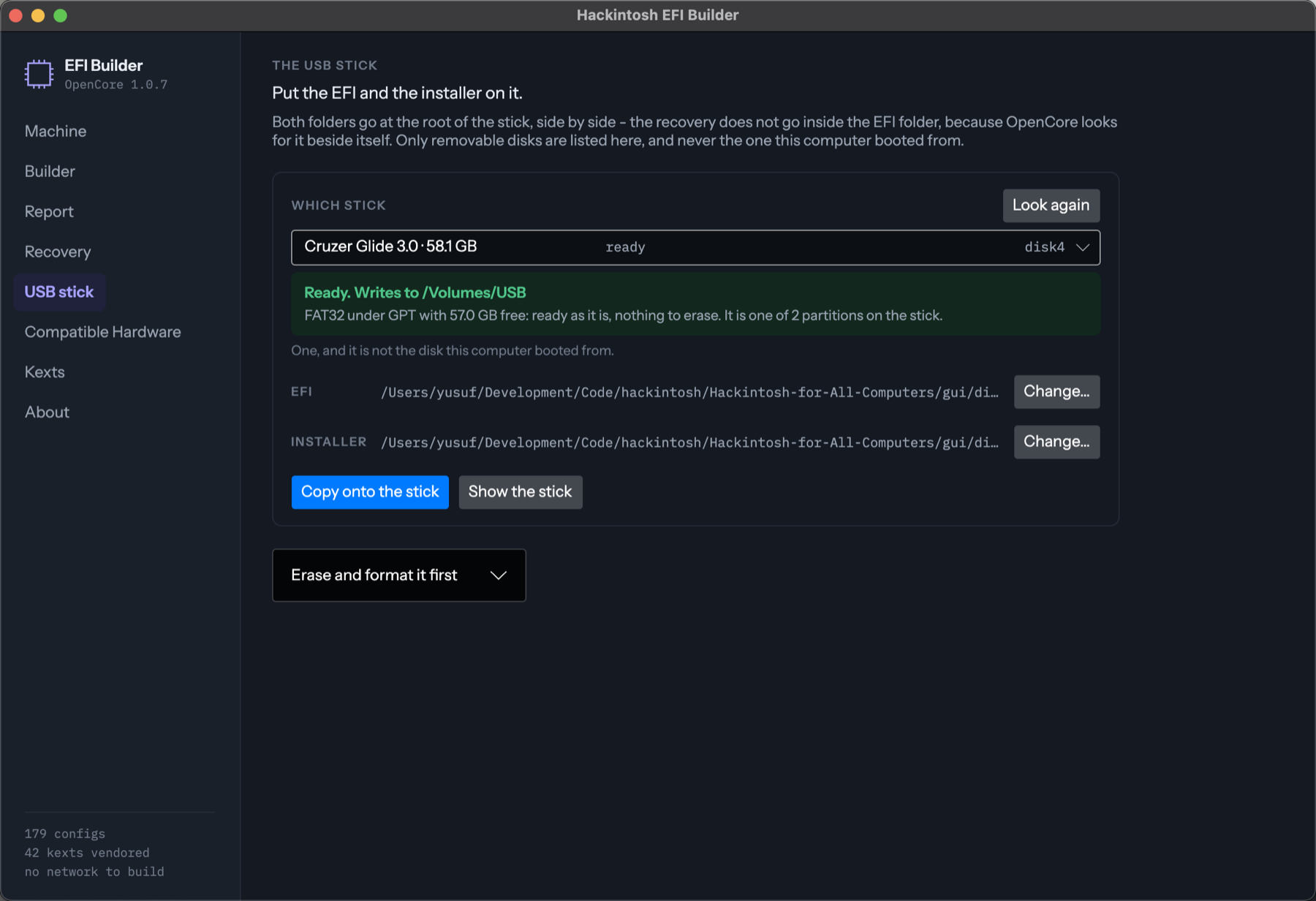
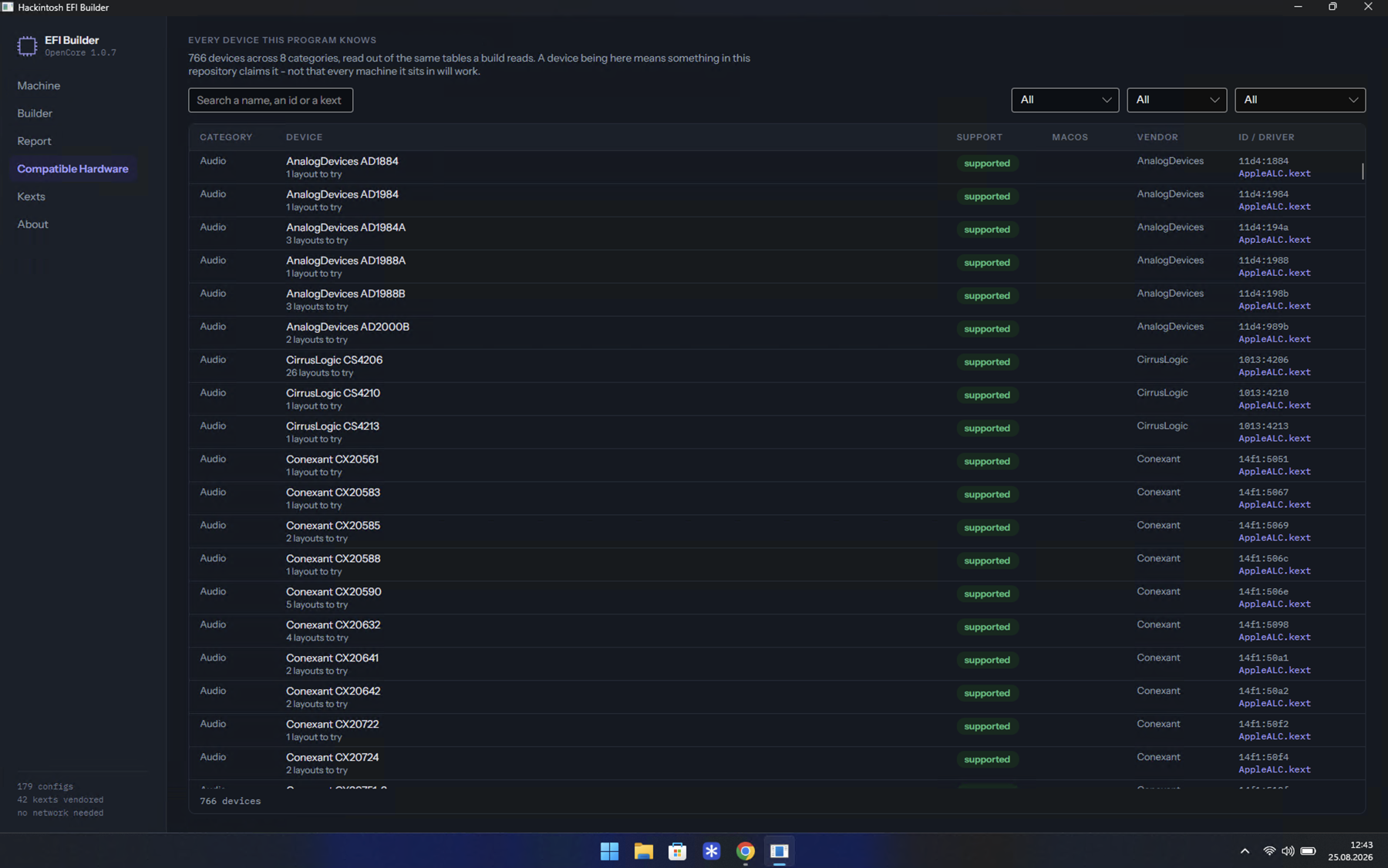
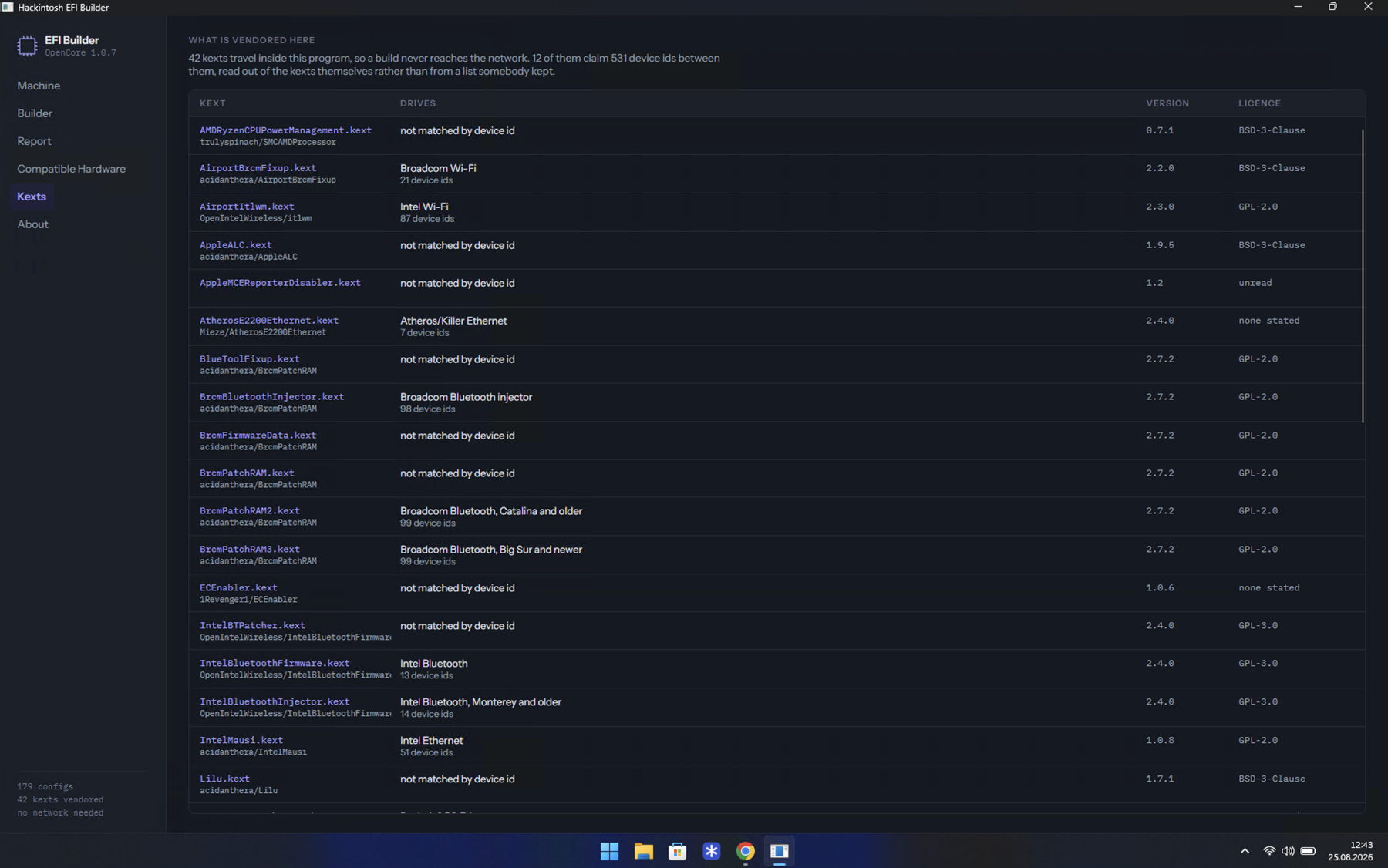
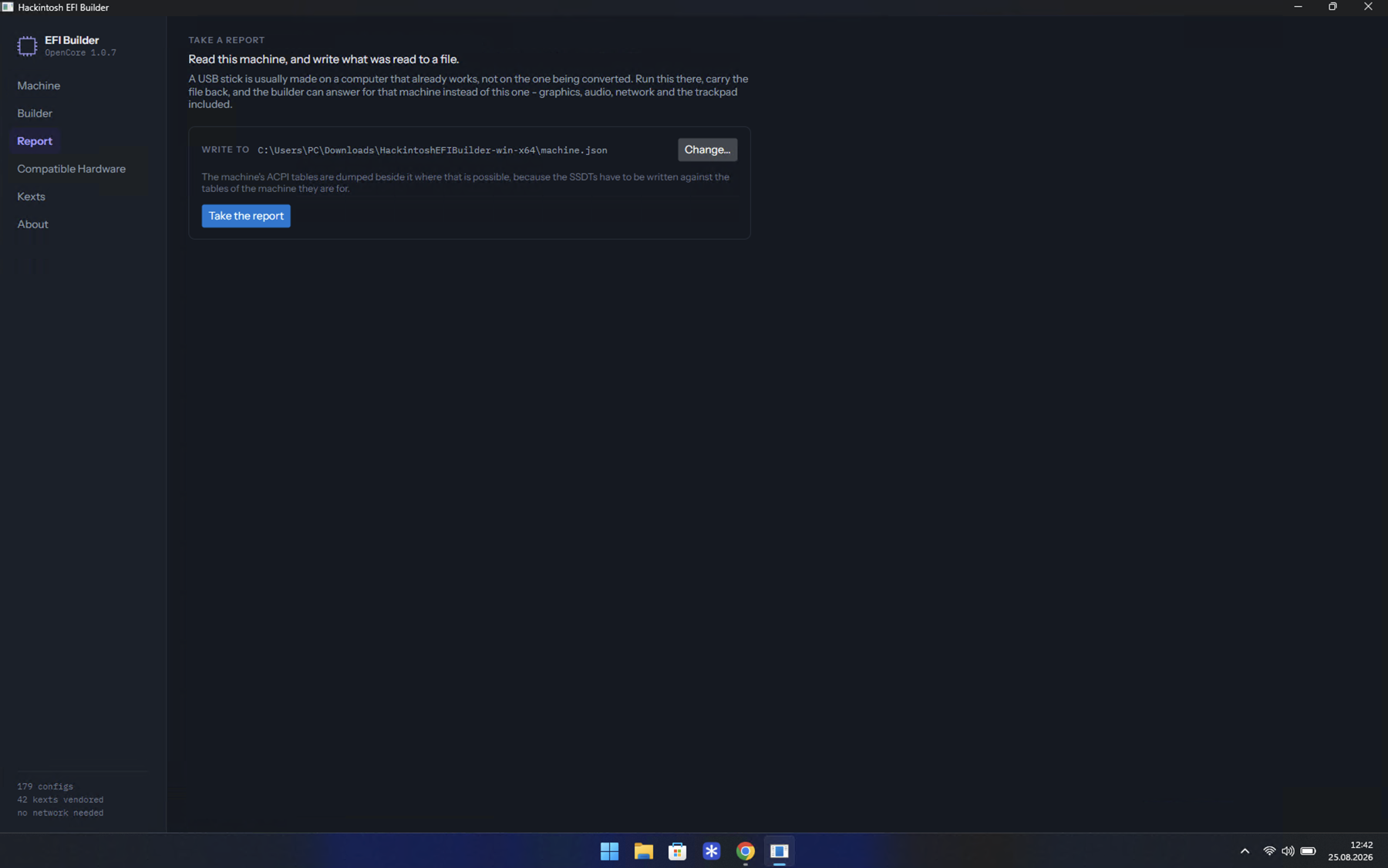
The whole process - what to answer, how to make the stick, what to set in the BIOS, every screen of the installation, and what has to be done afterwards - is on the site, in English and Turkish:
https://yusufklncc.github.io/Hackintosh-for-All-Computers/
| The app | The eight panes, and how to get it running |
| When your system blocks it | Smart App Control, Gatekeeper, the AppImage bit |
| Get your EFI | Every question the builder asks, and why |
| Make the USB stick | Recovery, or a whole image |
| Building the stick on a Mac | A full offline installer, the EFI and legacy boot on one stick |
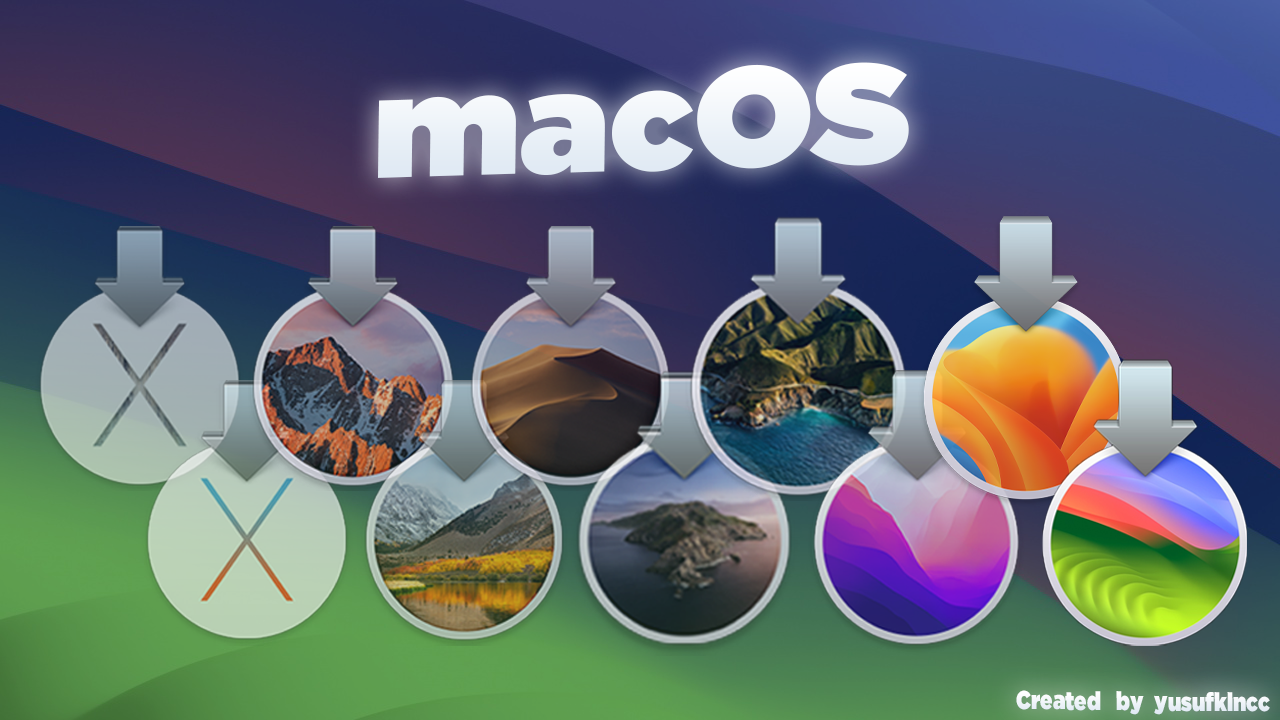
| macOS images | Ten releases, Yosemite to Sonoma |
| Adjust BIOS settings | Intel and AMD Ryzen |
| macOS installation steps | Screen by screen |
| Post installation | Your own ROM and serial - not optional |
| Without the window | The terminal, the clone, and doing it by hand |
The 179 configs are generated from a small set of profiles rather than stored, and the tooling that does it - the builder, the hardware tables, the equivalence gate that proves a profile change did not alter what anyone downloads - is documented in tools/README.md.
The guide lives in guide/, one file per page per language, and is built with MkDocs Material:
pip install -r guide/requirements.txt
mkdocs serve
If you hit a problem, open an issue with what you have and what happened. The
Report pane writes a machine.json with no serial numbers in it -
attaching that turns a guess into an answer.